
How To Create An Image Slider Using HTML, CSS, and JavaScript
In this article, I will show you how to create an image slider using HTML, CSS, and JavaScript programming code. Image slider is a popular design that is used in…

In this article, I will show you how to create an image slider using HTML, CSS, and JavaScript programming code. Image slider is a popular design that is used in…
display: block;
margin-block-start: 1em;
margin-block-end: 1em;
margin-inline-start: 0px;
margin-inline-end: 0px;
word-wrap: break-word;
line-height: 2em;}
h3{text-align: left;
font-family: Open Sans,Arial,sans-serif;
line-height: 1.7em;
color:black;
color:#333131;
font-weight: 520;
-webkit-font-smoothing: antialiased;
}
h2{text-align: left;
font-family: Open Sans,Arial,sans-serif;
line-height: 1.7em;
color:black;
font-weight: 620;
-webkit-font-smoothing: antialiased;
}
.class {
background:#edf0f2;
font-family: Consolas,Monaco,Lucida Console,monospace;
line-height: 1.65;
word-wrap: break-word;
border-radius: 5px;
color:#001d8f;
font-size:17.1px;
padding-left:10px;
white-space: pre-wrap;}
button.last-btn{
padding:14px 29px;
font-size:17px;
background-color:#0e87f0;
border-radius:6px;
color:white;
font-family: Open Sans,Arial,sans-serif;
border:none;
margin-left:35%;
}
@media only screen and (max-width: 400px) {
button.last-btn{
margin-left:0px;
margin-right:0px;
}
}
@media only screen and (max-width: 300px) {
button.last-btn{
margin-left:0px;
margin-right:0px;
}
}
@media only screen and (max-width: 600px) {
button.last-btn{
margin-left:0px;
margin-right:0px;
}
}
@media only screen and (max-width: 800px) {
button.last-btn{
margin-left:0px;
margin-right:0px;
}
}
@media only screen and (max-width: 400px) {
.copyButton {
width: 45%;
}
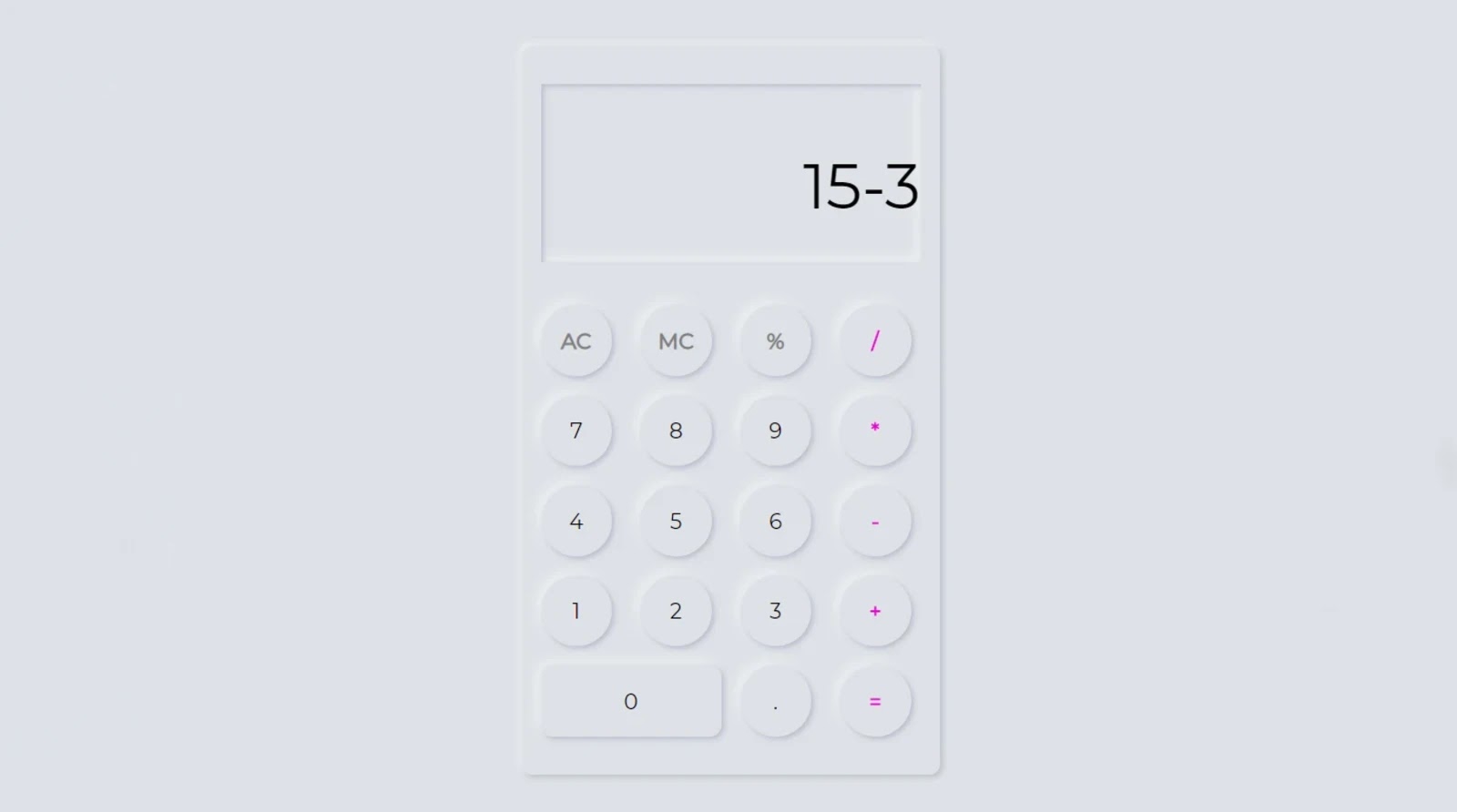
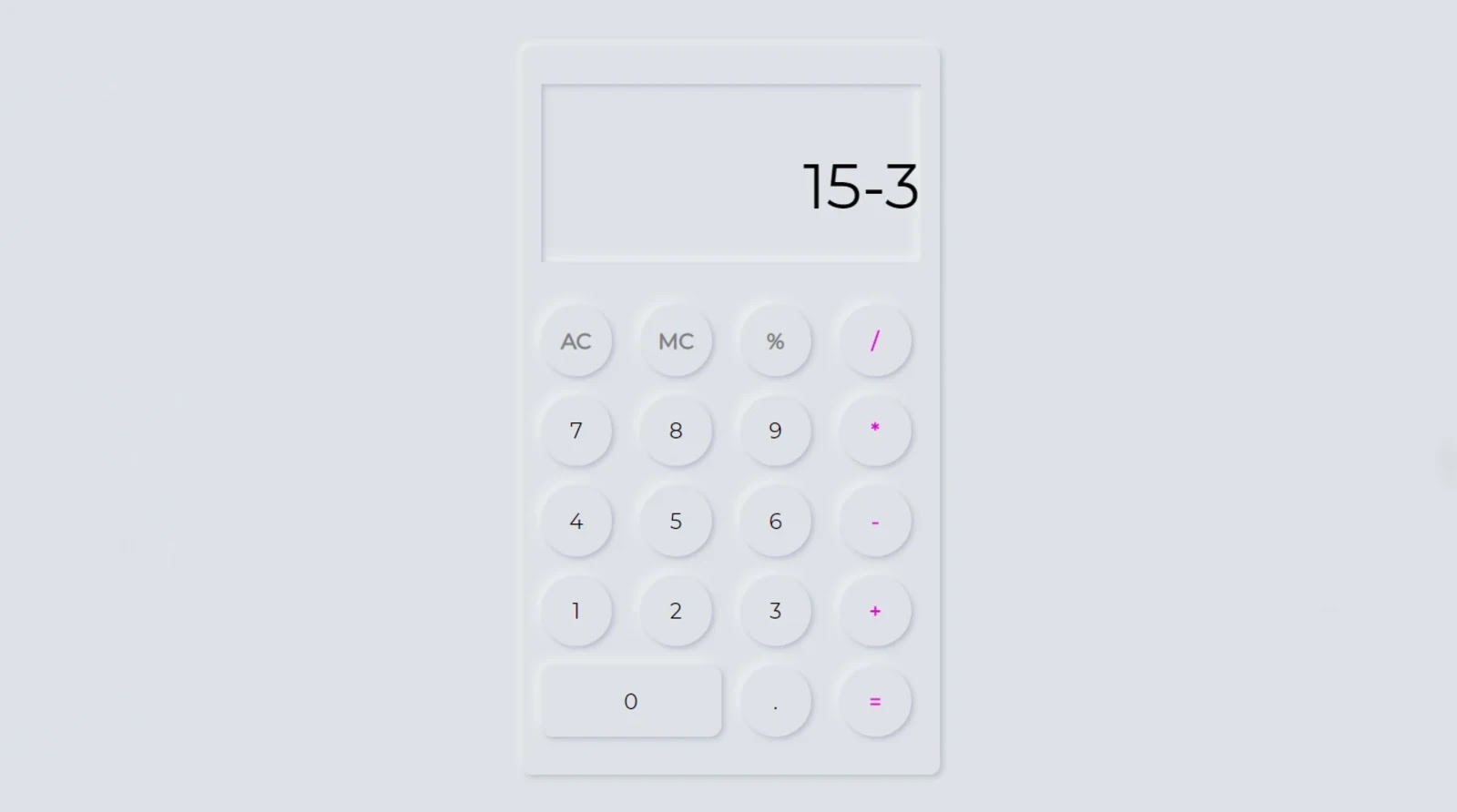
In this article, I am going to show you how to make a JavaScript calculator very easily. Earlier I designed many more types of calculators using HTML CSS and JavaScript programming code. This design is basically made in the form of Neumorphism design.
Neumorphism is basically a very popular design currently used to create a variety of UI elements. If you want to learn how to make this design, you must have a basic idea about HTML, CSS, and JavaScript.
This type of design gives a 3d look to our website helps in creating a real and interactive enviornment for our calculator project.
Here, the structure and buttons of this calculator are basically made using HTML programming code. The CSS code helped to transform it into a Neumorphism design. This calculator is enabled using JavaScript code.
I have shown step by step how I made this calculator. If you want to see the demo of it, I have added the demo of Codepen below. From here you can see the demo and download the required source code.
See the Pen
calculator 1 by Foolish Developer (@fghty)
on CodePen.
However, if you are a beginner, I request you to watch the tutorial and learn how to make it step by step.
To create it, first, you need to create an HTML and CSS file. Of course, you can attach the CSS file to the HTML file. Then copy the structure below and add it to the HTML file.
In the structure below I have given complete information on how you can add other codes to the file.
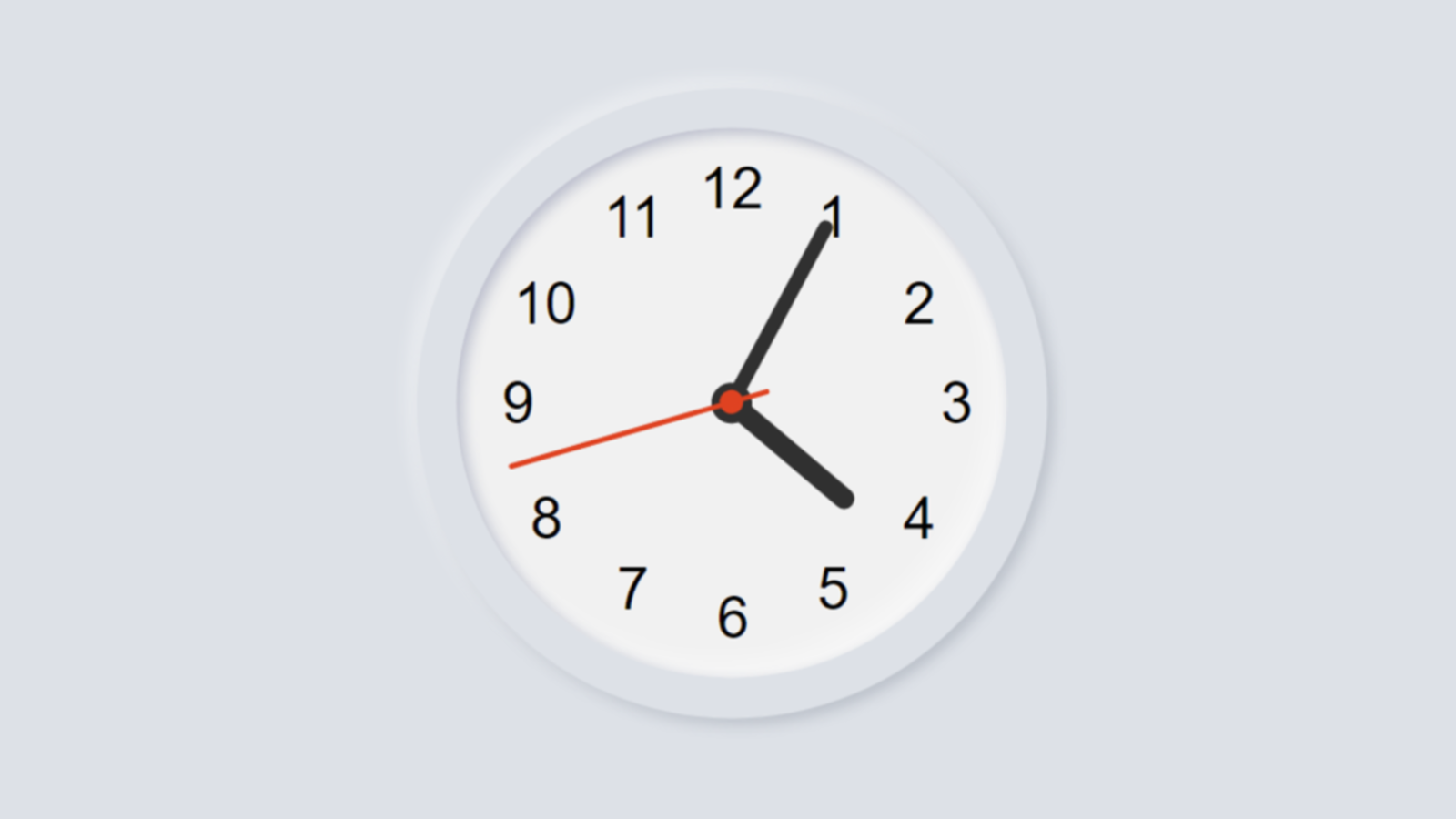

In this article, you are going to learn how to make an analog clock using HTML, CSS, and JavaScript programming code. Earlier I showed how digital clocks are made using JavaScript programming code. You must have knowledge of basic HTML, CSS, and JavaScript.
If you are a beginner then you can understand the design of this watch. Here I have shown step by step how I made this design. It shows the exact time, that is, the clock will show the time according to the time on your device. Like a normal watch, three hands have been used here. To indicate an hour, to indicate a second minute, and a third to indicate a second. The background of this watch is arranged in the form of a Neumorphism design. Many people wonder how the hands work in the case of these digital watches. Let me tell you, JavaScript programming code is used to rotate these thorns. Each cut is rotated 360 degrees using the js code. That is, one end of the hand is fixed and the other end is rotated 360. The second hand rotates 360 degrees once per minute.
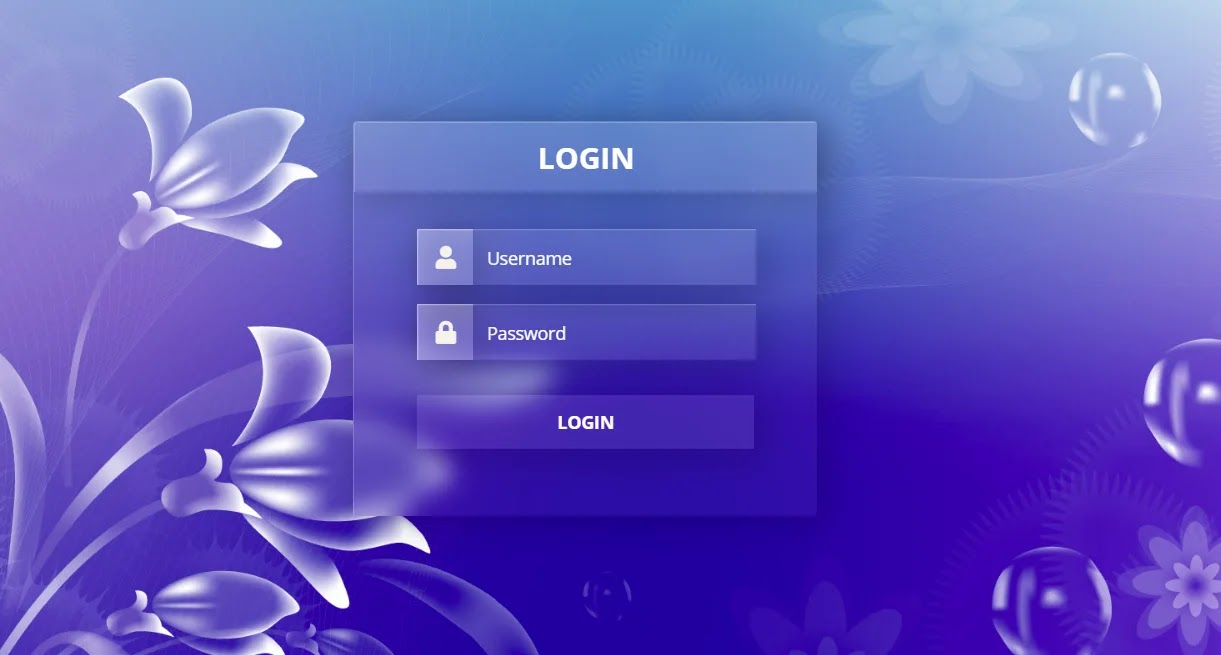
From this article, you will learn how to create a Glassmorphism login form with the help of HTML and CSS programming code. Glassmorphism is a modern design that is currently…

In this article, you will learn how to create an animated search bar using only HTML and CSS programming code. The search bar plays a significant role in the case…
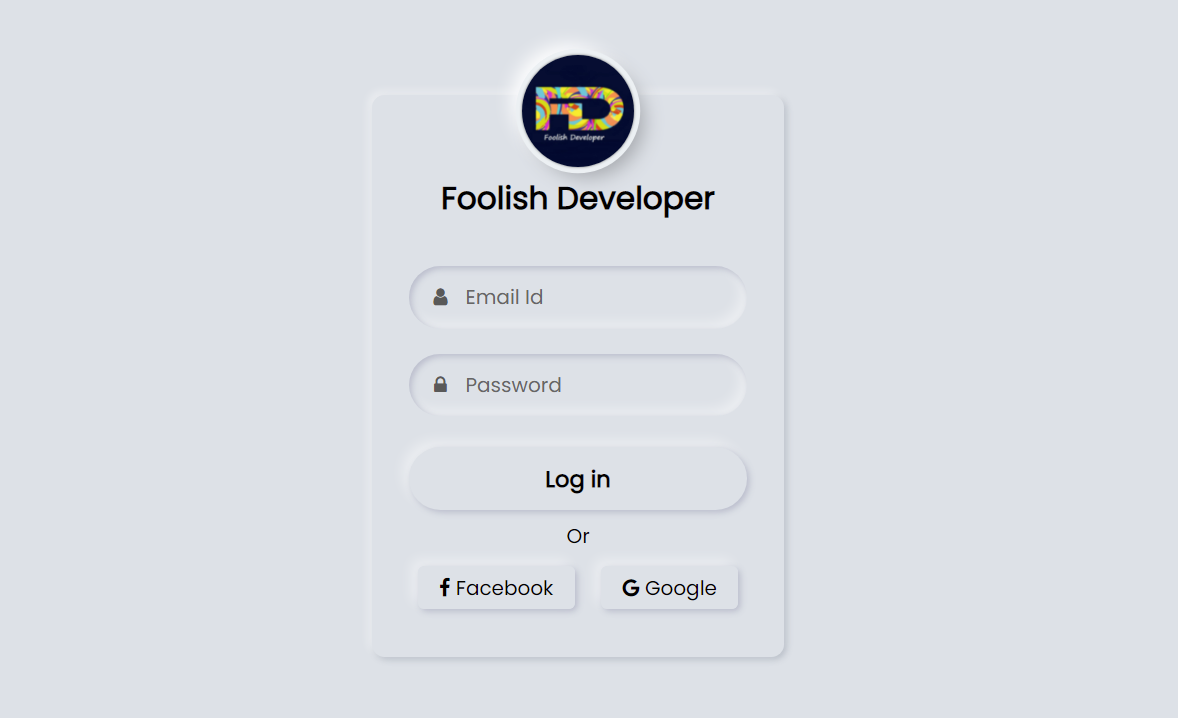

Neumorphism login form is a modern design login form created using HTML and CSS code. Hello friends, in this article I will show you how to create a login form of Neumorphism design using only HTML and CSS programming code.
Login designs come in different types like transparent, Neumorphism, Glassmorphism, responsive, animated, etc. Earlier I showed you the design of many more types of login forms and showed you how I created those login forms. The login form of this design is much more beautiful and attractive than the general design. Like the general design, it has everything, i.e. there is a place to input the email ID and password to log in.
Everyone has a place to use their first profile image or website logo. There is a nice login button to login here and below it is the Facebook and Google buttons. In other words, the user will be able to login with the help of an email id or Facebook and Google account.
Hover effects have been added to each. Normally the buttons are slightly upwards but when the mouse is moved or clicked the buttons will move inwards. In the case of this neomorphic design, the background and the color of the background of the login form are completely the same.
However, it has been given the shape of a login form by creating a color effect with the help of CSS code.
See the Pen
Neumorphism login form by shantanu jana (@fghty)
on CodePen.
If you want to see the live demo, you can use the demo button at the bottom of the article. You can also download the required source code. However, if you are a beginner, you can definitely watch the tutorial below.
First of all, you create an HTML file. Then you copy the HTML structure below and paste it into that HTML file.
This structure has been converted to a Neumorphism design using the following programming code and given a size.
Result:

I created this logo or profile image using the following programming codes. I have also added titles here.
Result:

I have used the following codes to create a place to input email ID and password. I used the CSS programming code below to design these and sort them into Neumorphism designs.


In this article, I am going to show you how to create a footer design using HTML and CSS code. In the meantime, I have designed and shown many more types of footer sections. Hope you like this design too.
It is a complete professional footer design with all kinds of information neatly arranged. Footer credits have been added below. First of all, there is the option of About us where you can give some information about your service or yourself. Below that, I have used icons and links from five social media platforms. Next to it, contact information has been added.
Where address, email ID, and mobile number are given. Next to that are some links known as footer menus. There are pictures of some projects next to it. Here I have used six pictures. Below is a subscribe form to subscribe to. Where you can subscribe by adding a user name and email id.
I have used footer credits below all. Where you can use your own copyright. Next to it, I have used important links such as About Us, Contact Us, Privacy Policy, etc. It is a fully responsive design that can be used on any website. I used HTML and CSS code to design this footer design. I used bootstrap programming code to make it responsive.
Below I show you the complete step-by-step how I made the design of this footer section. You can use the demo button below the article to watch the live demo. You can also download the source code using the download button.
If you want to see the complete process of making it step by step, follow the tutorial below. In this tutorial, I have described step by step the programming code that I used to create an element. This tutorial will show you exactly how to design a footer section.
Result:


Result:


Today I am going to show you how to create a Responsive Team section using only simple HTML and CSS programming code. Earlier I designed many more types of team sections. Hope you like this design.
The team section is a type of web element that you can use to introduce your team members to different types of service websites and portfolio websites. You can easily arrange all the identities of the significant people in your team or your company. I used HTML, CSS programming code to create this team section. I designed it using HTML code, I designed it using CSS code. I also made it responsive using bootstrap code. It is fully responsive which means you can use it for any type of device. So of course you can add it to your website. In this team section, I have used different hover color effects.
In this section, I have divided it into four columns. You can add more team member information here if you want. The hover effect has been used here, meaning that the color change can be seen by moving the mouse over the image of each team member.
In this article, I will try to show you in full step by step and with all the information how I made it. Here I have shown step by step which programming code is used to create an element. You can use the download button at the bottom of the article to download the source codes. Here is the bootstrap CDN link used which I have given below.
Add this link to the head section which will help you to make this team section responsive. Also here I have used font awesome’s icon CDN link. Icons have been created with it.
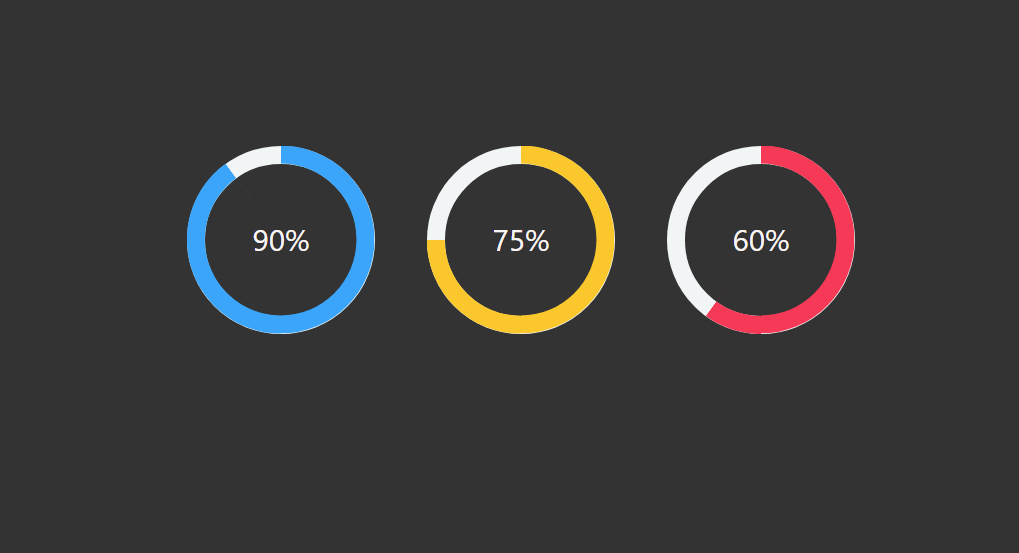

In this article, I am going to show you how to create an animated circular progress bar using only HTML CSS and BoostApp programming code. I have designed many more types of animated progress bars before but this design has been designed in a completely modern way.
Animated circular Progress Bar is a type of statistical design used in a variety of websites. It is mainly used to indicate the percentage of one’s qualification in a portfolio website or personal website. It is fully animated, that is, under normal conditions, it has zero percent then it will gradually reach the pre-determined percentage. Different colors have been used to denote percentages.
See the Pen
Untitled by Code Media (@codemediaweb)
on CodePen.
I used Html, CSS, and bootstrap programming code to make it. In the case of this circular progress bar, you can pre-determine the percentage as needed. This means that you can pre-determine the percentage of progress this animation will stop. In this case, I have basically made a circle of three signs of progress and used different colors for each of them.
Below I have shown in full step by step how I have created this progress bar and which programming code I have used to create any element. Below the article is a download button where you can download the required source code by clicking.
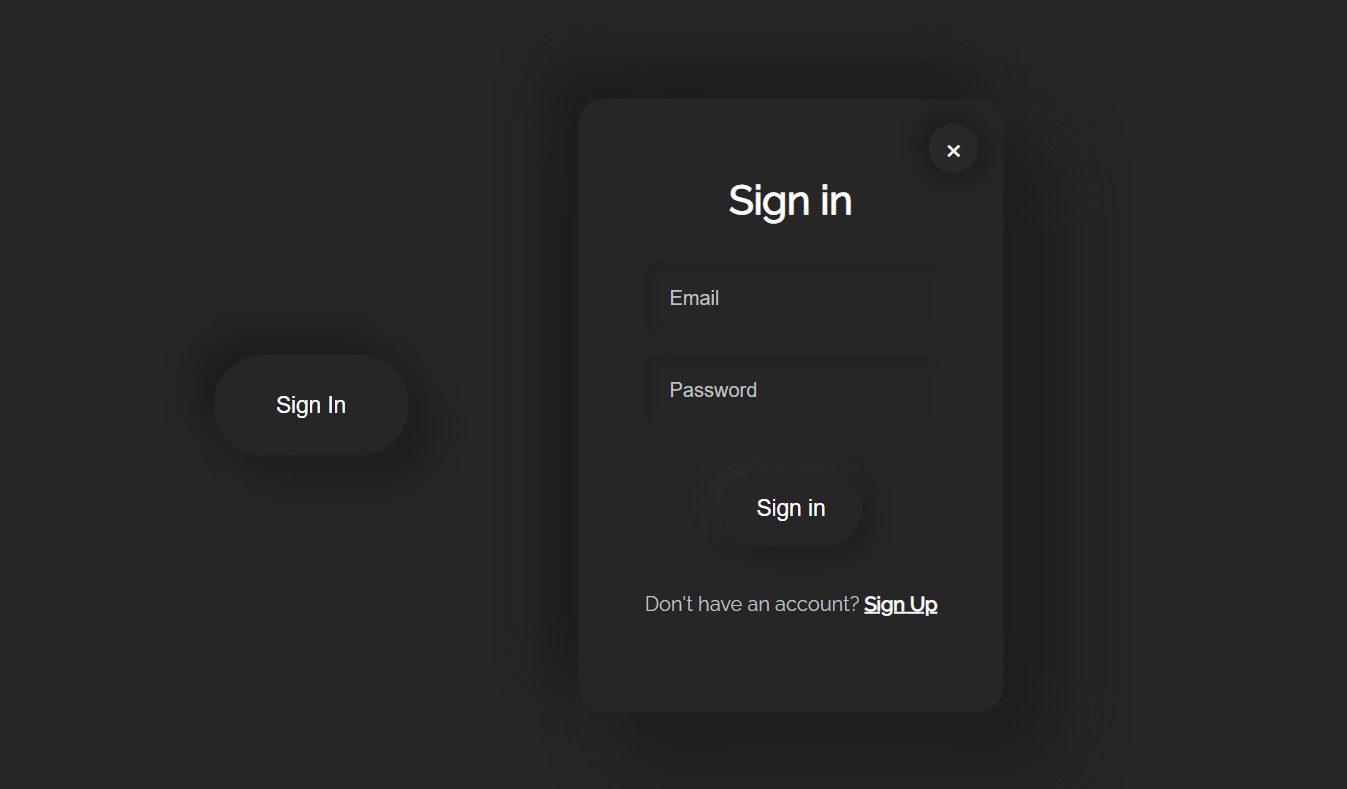
The pop-up login form is a modern type of login form design that is very popular nowadays. In the case of this type of design, the login form is completely…