Skip to content

FoolishDeveloper

Menu
  • Home
  • Recent Post
  • Web Development
  • Web Design
  • Contact Us
Neumorphism Login Form Tutorial for Beginner (2021)

CSS Neumorphism Login Form with HTML & CSS

  • Post author:Foolish Developer
  • Post published:September 25, 2021
  • Post category:css/html/neumorphism/Neumorphism_Login_Form

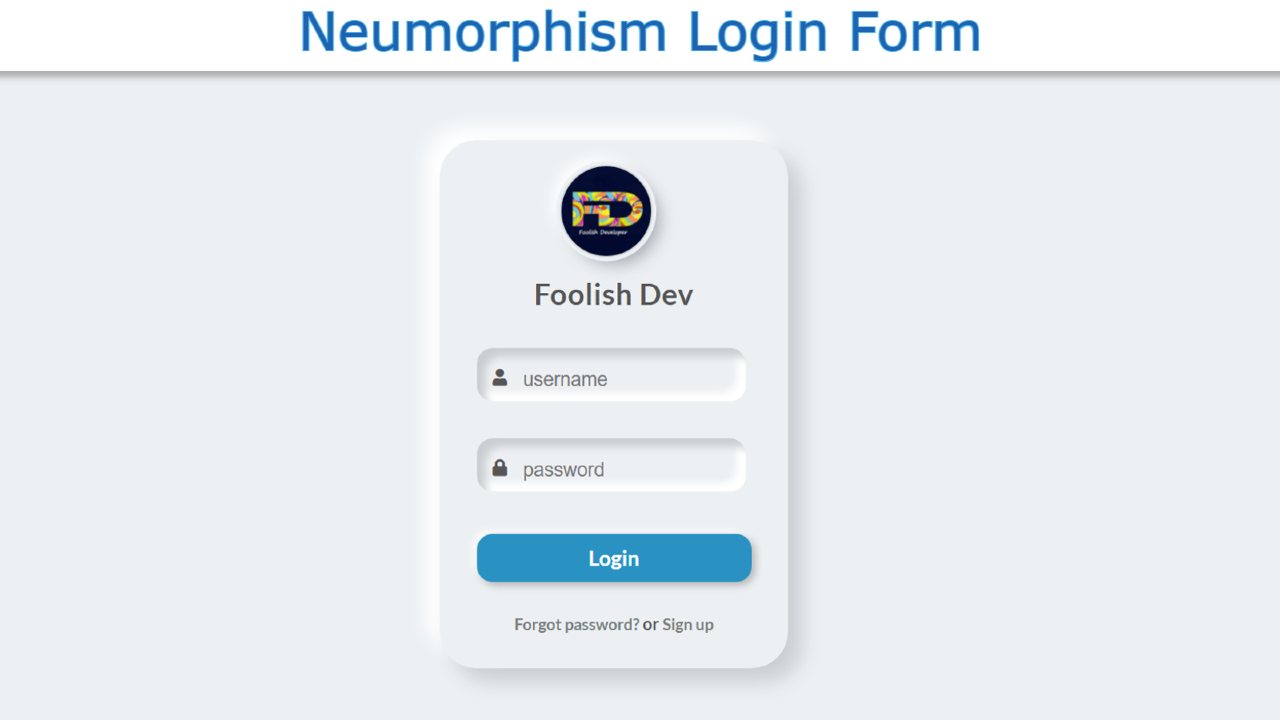
Do you want to create a CSS Neumorphism Login Form?  If your answer is yes then you will get your answer in this article. Here I am going to show…

Continue ReadingCSS Neumorphism Login Form with HTML & CSS
Simple Login and Registration Form Using HTML CSS

Easy Simple Login and Registration Form Using HTML CSS

  • Post author:Foolish Developer
  • Post published:June 15, 2021
  • Post category:css/html/jquery/login_form/neumorphism/Neumorphism_Login_Form

Neumorphism Login and Registration Form Using Html CSS & Jquery

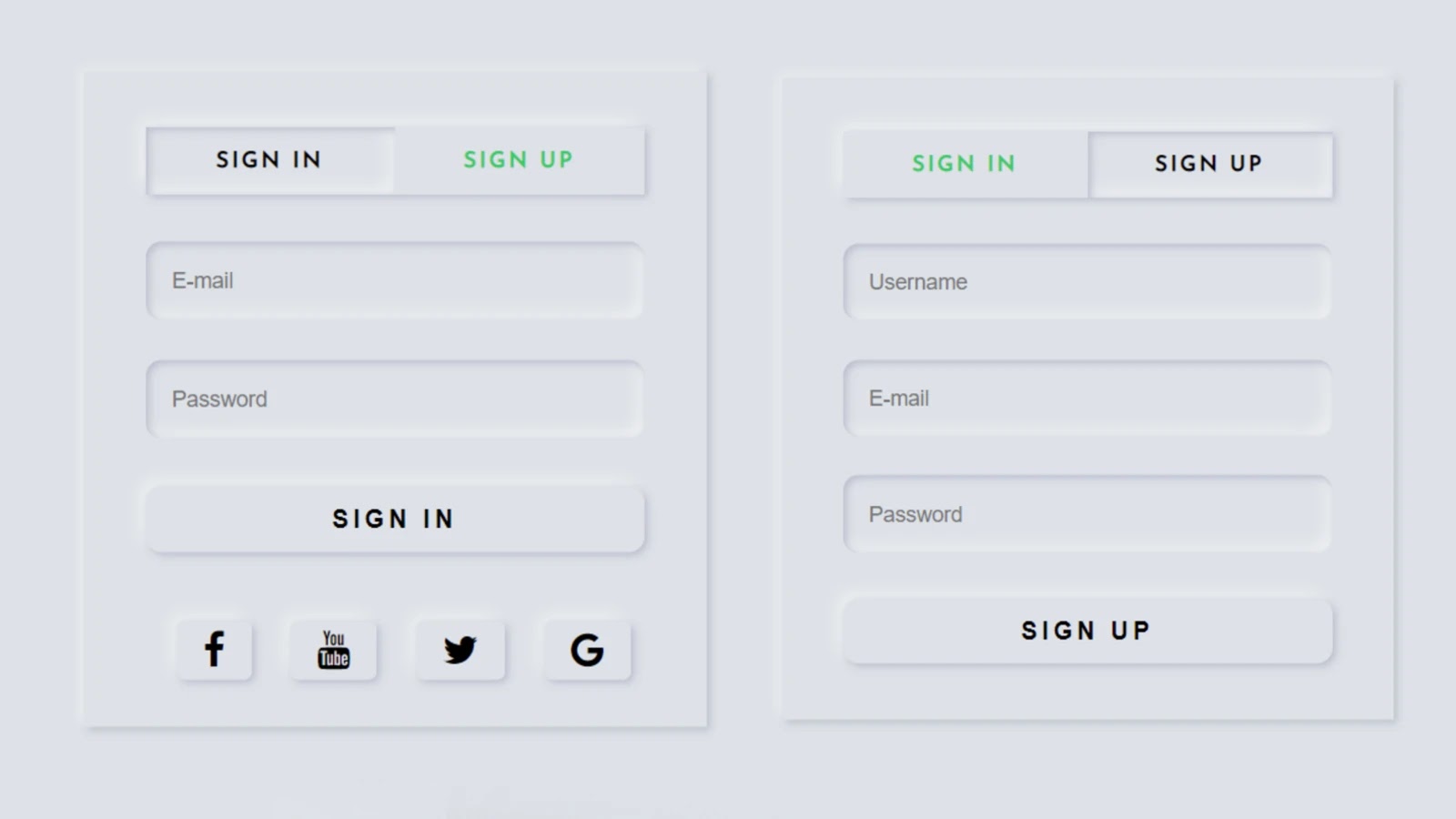
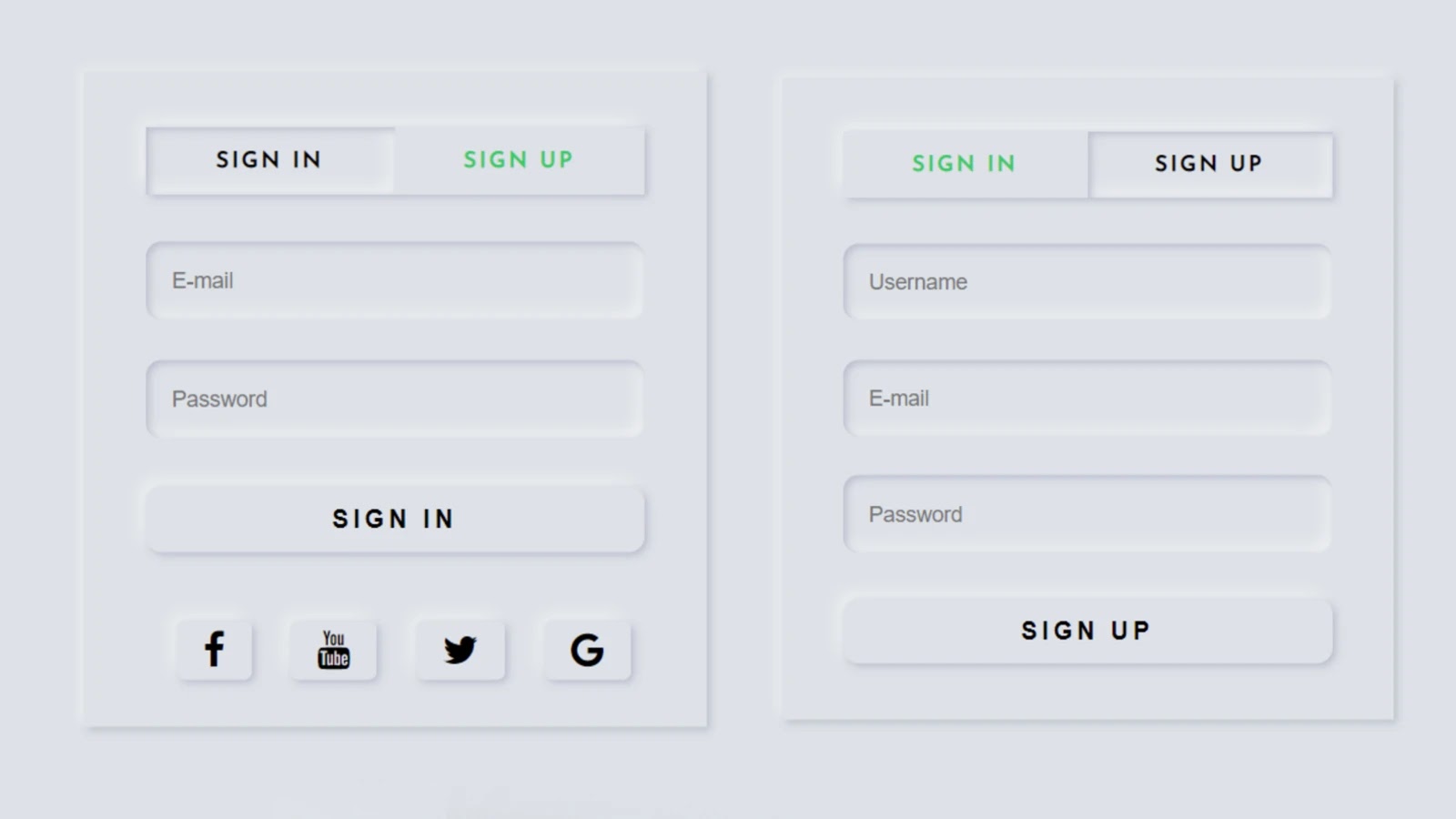
In this article, I am going to show you how to create a simple login and registration form of Neumorphism design using HTML, CSS, and Jquery code. Earlier I shared with you the design of many more types of login forms. Hope you like this design login form like other designs.

Basically different forms are created for login and registration on different websites. In the meantime, I have shown you how to create a separate login and registration form. In this article, I have created a place for simple log in and registration in a form.

This form allows the user to log in and creates a new account. I used HTML and CSS programming code to design to enhance its structure. A small amount of JQuery programming code is used here to execute the login and registration button above.

I have added social media icon in the login form. This login form is arranged in the form of a Neumorphism design.

Simple Login and Registration Form HTML CSS

If you want to know how it works, you can watch the demo below. You can copy the source code needed to create it from the demo site below and use it for your work.

But if you are a beginner and want to know how to create a login and registration form at the same time, you must follow the tutorial below. In the tutorial below I have shown step by step how I made this design. After each step, I have shown the result so it will be useful for you to understand.

See the Pen
login & sign
by Foolish Developer (@fghty)
on CodePen.

First, you create an HTML and CSS file. Then combine the HTML file and the CSS file with each other. You add the JQuery plugin here.

How to create login and registration form

Basically, we know that the JQuery programming code works with the JQuery plugin. So you must add the following JQuery plugin in the head section of your HTML file.

<script src=”https://code.jquery.com/jquery-3.6.0.js”></script>

<link rel=”stylesheet” href=”https://cdnjs.cloudflare.com/ajax/libs/font-awesome/4.7.0/css/font-awesome.min.css”>

Step 1: Create the basic structure of this login form

The HTML programming code below is basically the basic structure for creating this registration form. You can copy this structure and add it to your HTML file.

<div class="wrapper">
       
   <div class="container">
            <!--tabs(menu)-->
          
   </div>
       
</div>

Basically, the following codes have helped to design the background of this login form and give a certain size to this login form. As I said before, Neumorphism design has been used in this form. CSS programming code has been used to enhance this design.

@import url('https://fonts.googleapis.com/css?family=Josefin+Sans');
 *{
     margin: 0;
     padding: 0;
     box-sizing: border-box;
     outline: none;
     list-style: none;
     text-decoration: none;
     font-family: 'Josefin Sans', sans-serif;
}
 body{
     background: #dde1e7;
}
 .wrapper{
     max-width: 400px;
     width: 100%;
     height: 420px;
     position: absolute;
     top: 50%;
     left:50%;
     transform: translate(-50%,-50%);
     background: #dde1e7;
     box-shadow: -3px -3px 7px #ffffff73, 2px 2px 5px rgba(94, 104, 121, 0.288);
}
 .container{
     padding: 35px 40px;
}

Create the basic structure of this login form

Step 2: Create a button to open the login and registration form (more…)

Continue ReadingEasy Simple Login and Registration Form Using HTML CSS
Neumorphism Login Form UI Design Using HTML and CSS

Neumorphism Login Form UI Design Using HTML and CSS

  • Post author:Foolish Developer
  • Post published:May 22, 2021
  • Post category:best/Best_Login/html/html_login_form/neumorphism/Neumorphism_Login_Form/p1

Neumorphism Login Form UI Design Using HTML and CSS

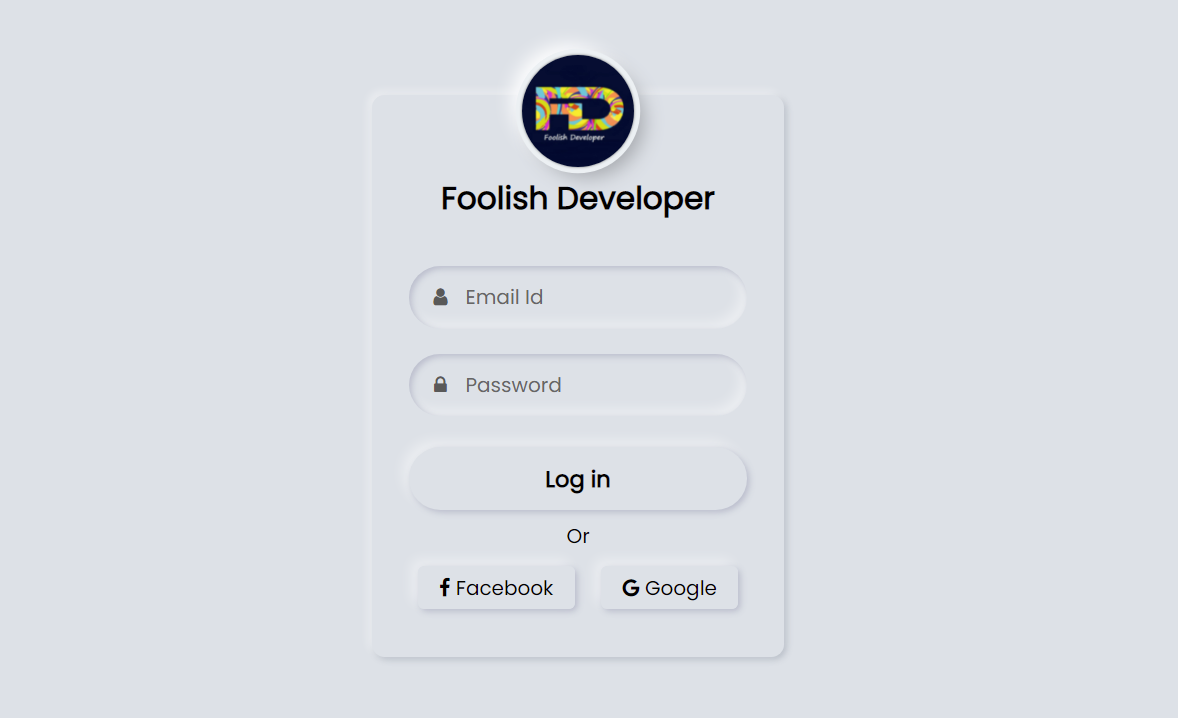
Neumorphism login form is a modern design login form created using HTML and CSS code. Hello friends, in this article I will show you how to create a login form of Neumorphism design using only HTML and CSS programming code. 

Login designs come in different types like transparent, Neumorphism, Glassmorphism, responsive, animated, etc. Earlier I showed you the design of many more types of login forms and showed you how I created those login forms. The login form of this design is much more beautiful and attractive than the general design. Like the general design, it has everything, i.e. there is a place to input the email ID and password to log in. 

Everyone has a place to use their first profile image or website logo. There is a nice login button to login here and below it is the Facebook and Google buttons. In other words, the user will be able to login with the help of an email id or Facebook and Google account.

Neumorphism Login Form Using HTML and CSS

Hover effects have been added to each. Normally the buttons are slightly upwards but when the mouse is moved or clicked the buttons will move inwards. In the case of this neomorphic design, the background and the color of the background of the login form are completely the same.

However, it has been given the shape of a login form by creating a color effect with the help of CSS code.

See the Pen
Neumorphism login form
by shantanu jana (@fghty)
on CodePen.

If you want to see the live demo, you can use the demo button at the bottom of the article. You can also download the required source code. However, if you are a beginner, you can definitely watch the tutorial below.

First of all, you create an HTML file. Then you copy the HTML structure below and paste it into that HTML file.

Step 1: Basic HTML structure of this login form

<!DOCTYPE html>
<html>
  <link rel=”stylesheet” href=”https://cdnjs.cloudflare.com/ajax/libs/font-awesome/4.7.0/css/font-awesome.min.css”>
<head>
<meta name=”viewport” content=”width=device-width, initial-scale=1″>
<style>
 @import url(‘https://fonts.googleapis.com/css2?family=Poppins&display=swap’);
*{
  margin:0;
  padding: 0;
  box-sizing: border-box;
  font-family: ‘Poppins’, sans-serif;
}
html,body{
  height: 100%;
}
</style>
</head>
<body>
 
    <div class=”content”>
  
  </div>
</body>
</html> 

Step 2:  Neumorphism structure with the help of CSS code

This structure has been converted to a Neumorphism design using the following programming code and given a size.

body{
  display: grid;
  place-items: center;
  text-align: center;
  background: #dde1e7;
}
.content{
  width: 330px;
  background: #dde1e7;
  border-radius: 10px;
  padding: 40px 30px;
  box-shadow: -3px -3px 7px #ffffff73,
              2px 2px 5px rgba(94, 104, 121, 0.288);
}

 Result:

Step 3: Add a profile image to the login form

I created this logo or profile image using the following programming codes. I have also added titles here.

<img src=”https://lh3.googleusercontent.com/a-/AOh14Gj99VObFyE8W_h8RrcwZO_aYiIHu5AAa_XpnOym=s600-k-no-rp-mo”>
      <div class=”text”>Foolish Developer</div>
.content img{
  width: 90px;
  height: 90px;
  margin-top: -100px;
  border-radius: 50px;
  box-shadow: 
  0px 0px 2px #5f5f5f,
  0px 0px 0px 5px #ecf0f3,
  8px 8px 15px #a7aaaf,
  -8px -8px 15px #ffffff
  ;
}
.content .text{
  font-size: 25px;
  font-weight: 600;
  margin-bottom: 35px;
  color: #000;
}

 Result:

Step 4: Make a place to input email and password

I have used the following codes to create a place to input email ID and password. I used the CSS programming code below to design these and sort them into Neumorphism designs.

<div class=”field”>
          <span class=”fa fa-user”></span>
          <input type=”text” required>
          <label>Email Id</label>
        </div>
        <div class=”field”>
          <span class=”fa fa-lock”></span>
          <input type=”password”>
          <label>Password</label>
        </div>
.content .field{
  height: 50px;
  width: 100%;
  display: flex;
  position: relative;
}
.field input{
  height: 100%;
  width: 100%;
  padding-left: 45px;
  font-size: 18px;
  outline: none;
  border: none;
  color: #595959;
  background: #dde1e7;
  border-radius: 25px;
  box-shadow: inset 2px 2px 5px #babecc,
              inset -5px -5px 10px #ffffff73;
}
.field input:focus ~ label{
  box-shadow: inset 2px 2px 5px #babecc,
              inset -1px -1px 2px #ffffff73;
}
.field:nth-child(2){
  margin-top: 20px;
}
.field span{
  position: absolute;
  width: 50px;
  line-height: 50px;
  color: #595959;
}
.field label{
  position: absolute;
  top: 50%;
  left: 45px;
  pointer-events: none;
  color: #666666;
  transform: translateY(-50%);
}
.field input:focus ~ label{
  opacity: 0;
}
 
Result: (more…)

Continue ReadingNeumorphism Login Form UI Design Using HTML and CSS

Spread the Words

Latest Posts

  • Target Test Prep Review 2025: Why Target Test Prep Is the Go-To Choice for High Scorers
    Target Test Prep Review 2025: Why Target Test Prep Is the Go-To Choice for High Scorers
    November 19, 2025/
    0 Comments
  • Animated Gift Box Using HTML CSS JavaScript
    Animated Gift Box Using HTML CSS JavaScript
    June 13, 2025/
    0 Comments
  • Wine Shop Website Using HTML CSS JavaScript
    Wine Shop Website Using HTML CSS JavaScript
    June 13, 2025/
    0 Comments
  • Choice Game Using HTML CSS JavaScript
    Choice Game Using HTML CSS JavaScript
    June 12, 2025/
    0 Comments
  • Travel Website Using HTML CSS JavaScript
    Travel Website Using HTML CSS JavaScript
    June 12, 2025/
    0 Comments

Quick Links

3D text animation Alarm Clock Animated Tabs Automatic Image Slider Bootstrap Cards Bootstrap Form Button Cards Circular Progress Bar Congratulation Animation CSS Aniamtion CSS animated background CSS Button Animation CSS Cards CSS Profile Card CSS Profile Cards CSS Search Box Animation HTML Feedback Form HTML Marquee Tag I Love You Using HTML and CSS image Hover Effect Image Lightbox JavaScript Game Javascript Projects login Form page Music Player JavaScript Navigation Menu Number Guessing Game OTP Input Field Pop-Up box popup form Quiz App react js Read More Button Responsive Form Responsive Navigation Menu Share Button Show Hide Password Signup form Signup form Using HTML and CSS Social Media Share Buttons Star Rating CSS Tabs Website Whatsapp Clone

To Contact Us E-Mail Us At: foolishdeveloperofficial@gmail.com

DMCA.com Protection Status

Thanks or visiting FoolishDeveloper! Join telegram (link available -Scroll Up) for source code files , pdf and
ANY Promotion queriesfoolishdeveloperofficial@gmail.com

Telegram

Navigate

  • Contact
  • Privacy Policy
  • Disclaimer
  • Terms and Conditions
  • Contact
  • Privacy Policy
  • Disclaimer
  • Terms and Conditions
Copyright © 2024 FoolishDeveloper